

A graphics card (GPU) decides how smoothly your computer handles games, 3D work and some video tasks. If you mostly browse the web and use office apps, your computer's built-in graphics may already be enough. But if you want to play games or drive more displays, the right graphics card matters. Here is how to choose.
1. Start with what you will use it for
Think about the games or programs you run and the screen you play on. Older and lighter games run well on entry-level cards, while newer games at high settings need much more power. The higher the screen resolution, the more work the card has to do.
2. Look at the video memory (VRAM)
VRAM is the memory on the card itself. More VRAM helps with detailed textures and higher resolutions. However, capacity is not everything. A card's overall speed matters just as much, so do not choose by VRAM alone.
3. Check your power supply
Every graphics card needs a certain amount of power, and many need extra power connectors from your power supply. Compare the card's listed power needs with your power supply's wattage and available connectors before buying.
4. Make sure it fits your PC
- Slot: Desktop graphics cards fit into a PCIe x16 slot on your motherboard.
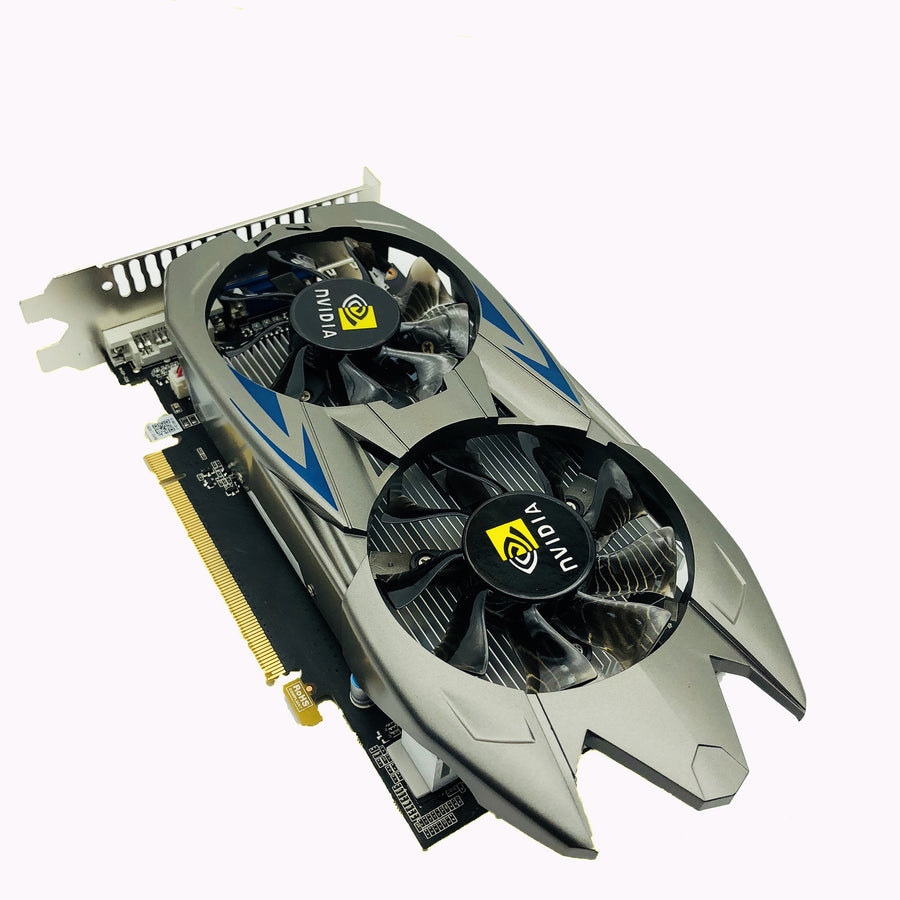
- Length and thickness: Measure the space in your case. Many cards take up two slots.
- Cooling: Cards with fans need airflow in your case to stay cool and quiet.
5. Check the ports
Make sure the card has the ports your monitor uses, such as HDMI, DisplayPort or DVI. If you want more than one screen, count how many outputs you need.
Be realistic about entry-level cards
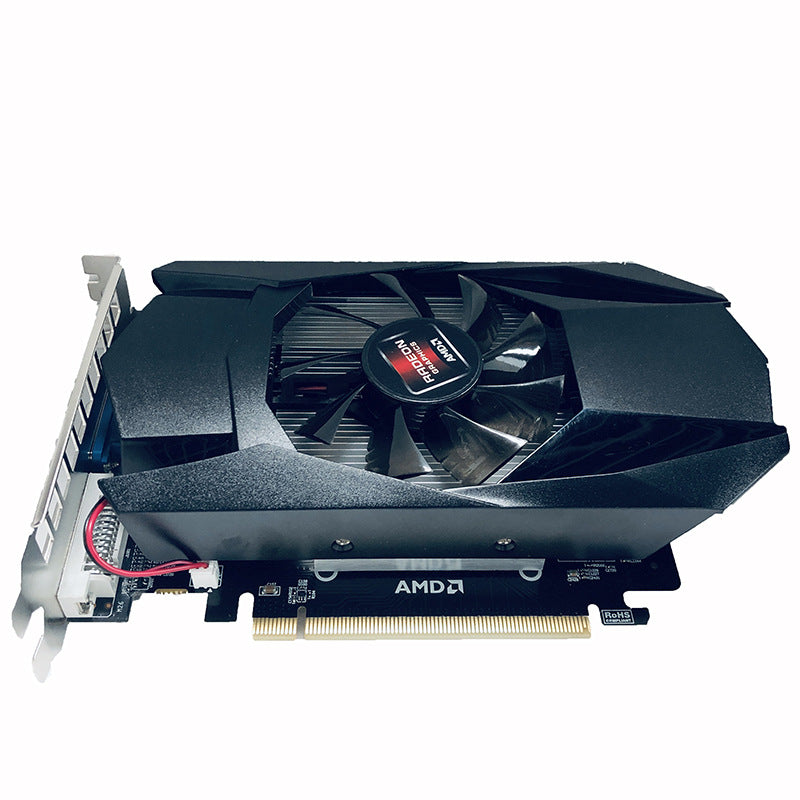
Budget and older-generation cards are a good fit for light gaming, older titles, general use and driving a display. They are not meant to run the newest games at high settings. Always read the listed specifications and match them to what you actually want to do.
Quick checklist before you buy
- Does it fit my case and my PCIe slot?
- Does my power supply have enough wattage and the right connectors?
- Does it have the ports my monitor needs?
- Will it handle the games I actually play?
Ready to look? Check our D5 3G desktop graphics card or our independent gaming graphics card, and use code WELCOME10 at checkout for 10% off your first order.