

Upgrading your PC or laptop storage is one of the easiest ways to make it feel faster. But when you start shopping, you quickly see two names everywhere: NVMe and SATA. They are both solid state drives (SSDs), yet they are built differently. This guide explains the difference in plain language so you can pick the right one.
What is a SATA SSD?
A SATA SSD usually comes in the familiar 2.5-inch size and connects with a SATA III cable, the same type of connection older hard drives use. It is a big step up from a hard drive, and it works in a very wide range of desktops and laptops, including many older machines.
SATA III has a speed limit of around 550 MB/s in real use, which is plenty for booting Windows, opening apps and everyday work.

Looking for one? Take a look at our 2.5-inch SATA SSD in 500GB to 4TB.
What is an NVMe SSD?
An NVMe SSD is a small stick, most often in the M.2 2280 size, that plugs straight into a slot on your motherboard and talks to your computer over PCIe lanes instead of SATA. A PCIe 3.0 x4 drive can reach roughly 3,500 MB/s, which is several times faster than SATA.
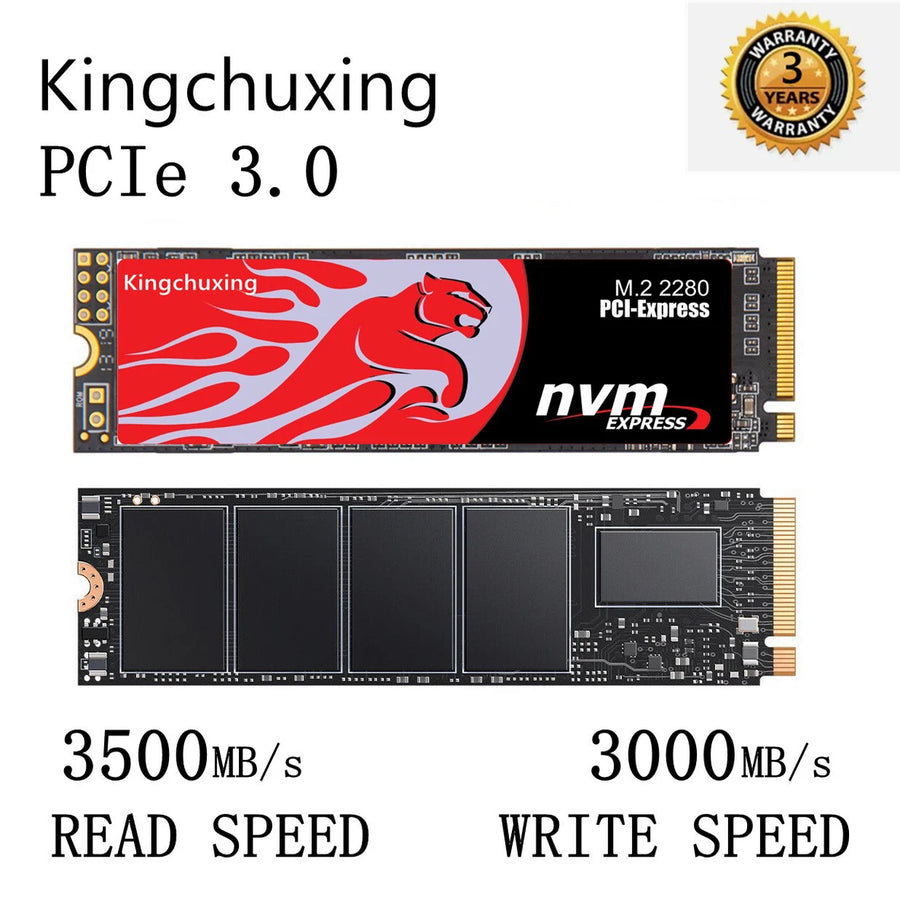
For example, our Kingchuxing M.2 NVMe SSD with heatsink uses a PCIe 3.0 x4 interface with speeds up to 3,500 MB/s, and comes in 512GB, 1TB and 2TB sizes.
NVMe vs SATA at a glance
| SATA SSD (2.5-inch) | NVMe SSD (M.2) | |
|---|---|---|
| Typical top speed | About 550 MB/s | About 3,500 MB/s (PCIe 3.0 x4) |
| Size | 2.5-inch drive | Small M.2 stick |
| Works in | Most desktops and laptops with a SATA port | Computers with an M.2 NVMe slot |
| Best for | Upgrading older PCs, budget builds | Gaming, video editing, heavy multitasking |
Which one should you buy?
- Choose SATA if your computer is older, has no M.2 slot, or you simply want a simple upgrade from a hard drive.
- Choose NVMe if your motherboard or laptop has an M.2 NVMe slot and you want faster loading, quicker file transfers and smoother performance with large files.
Before you buy, check your motherboard or laptop manual for the supported slot type. Not every M.2 slot supports NVMe, and some only support SATA M.2 drives.
Already have a spare drive? Turn it into portable storage
You can also use an M.2 SSD outside your computer. An enclosure lets you plug it in through USB and carry your files anywhere.
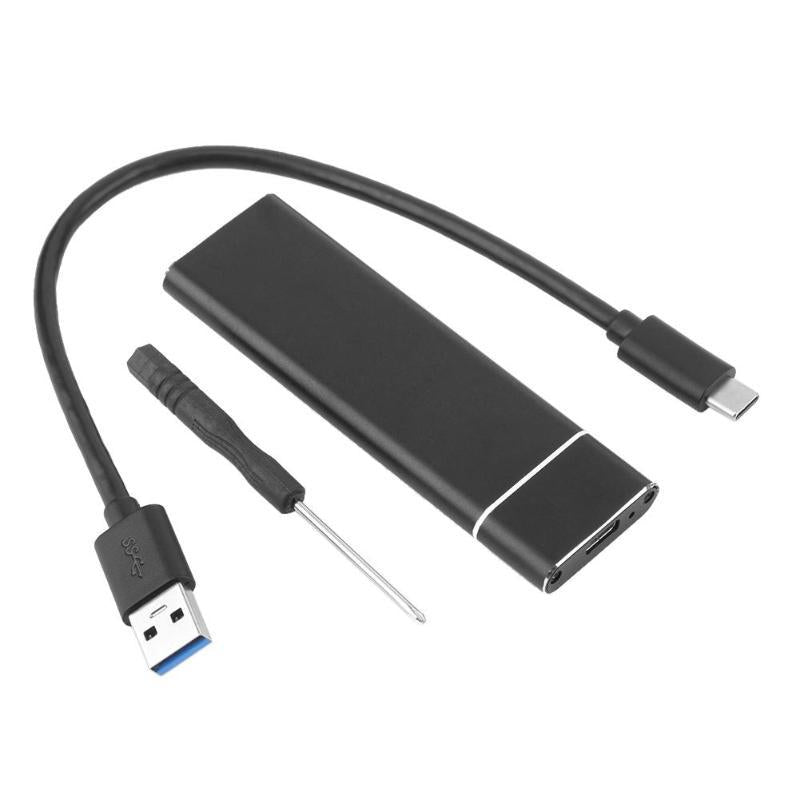
See our M.2 SSD to Type-C enclosure if you want to build your own portable drive.
Final thoughts
There is no single best SSD for everyone. SATA is the safe, widely compatible choice, and NVMe is the faster option if your computer supports it. Pick the one that matches your slot, your budget and the size you need.
Ready to upgrade? Browse all products and use code WELCOME10 at checkout for 10% off your first order.